Run the Day from One Smart Calendar
Schedule assessments, send technician notifications, see incoming call context, and automatically create appointments from call extractions. Google Calendar sync is there when you want it.
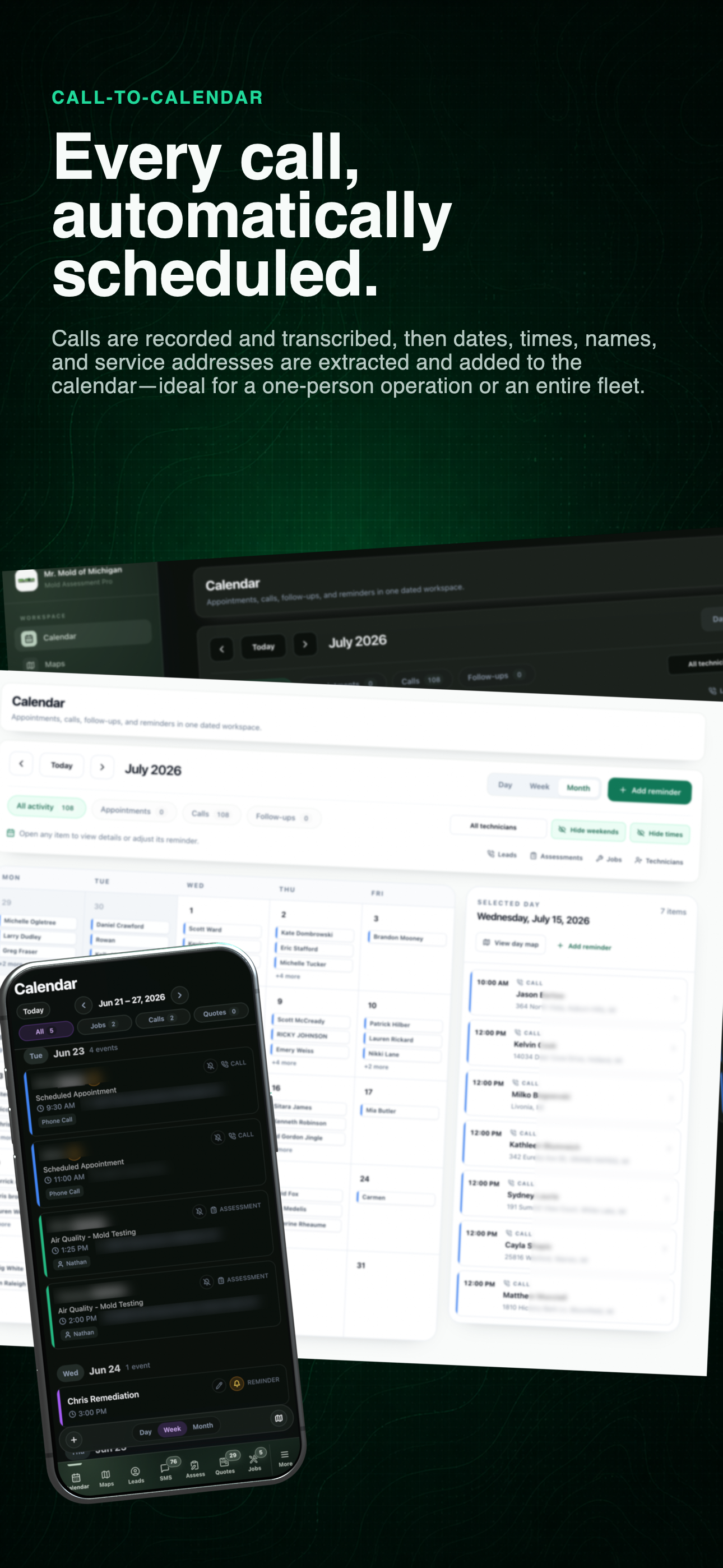
Calendar across the office and field
See the cross-device schedule first, then inspect calendar context, reminders, and appointment flow below.
Calendar as operating context
Scheduling is more useful when the conversation travels with it.
The calendar connects office intake, field assignments, reminders, and optional outside synchronization instead of reducing the job to a colored block.
- 01
Call details become schedule context
Carry the name, address, service need, urgency, and requested timing from the conversation into the appointment record.
- 02
Technicians receive the change
Assignment, rescheduling, cancellation, and updated client details can reach the field without a separate handoff.
- 03
One view for mixed activity
Review appointments, recorded calls, follow-ups, and reminders on the same operating calendar.
- 04
Google Calendar remains optional
Sync outside when useful while Mold Inspector keeps the complete client and job record as the source of truth.
- 05
Statuses remain visible
Use clear states and activity filters to understand what is scheduled, active, completed, or cancelled.
- 06
Duplicate protection
Keep lead-to-assessment transfers and calendar synchronization from producing duplicate appointments.
Current mobile calendar
Read the month, then move directly into the day.
The current field view combines appointments, calls, jobs, and reminders without exposing the rest of the CRM. Switch between day, week, and month, filter the activity that matters, or open the map when route context is more useful than a grid.
Use the left and right arrow keys to change screenshots. On a touch screen, swipe horizontally. Activate a screenshot to open its expanded view.
See appointments, calls, jobs, and reminders in one dated mobile view, with day, week, month, and map controls ready for the field.
1 / 1
Swipe to view
1 / 1
Let’s walk through a job.
Tell us how you work today. We’ll walk through the calls, fieldwork, and reports that matter to your team.
0130-minute personalized walkthrough
02See pricing for your team size
03No obligations or pressure