Track the dry. Keep the progress defensible.
Turn recorded visits, readings, equipment, historical outdoor context, and reviewed notes into one restoration history instead of rebuilding a spreadsheet after the job.
- Visit and reading history
- Equipment and weather context
- Reviewed charts and notes
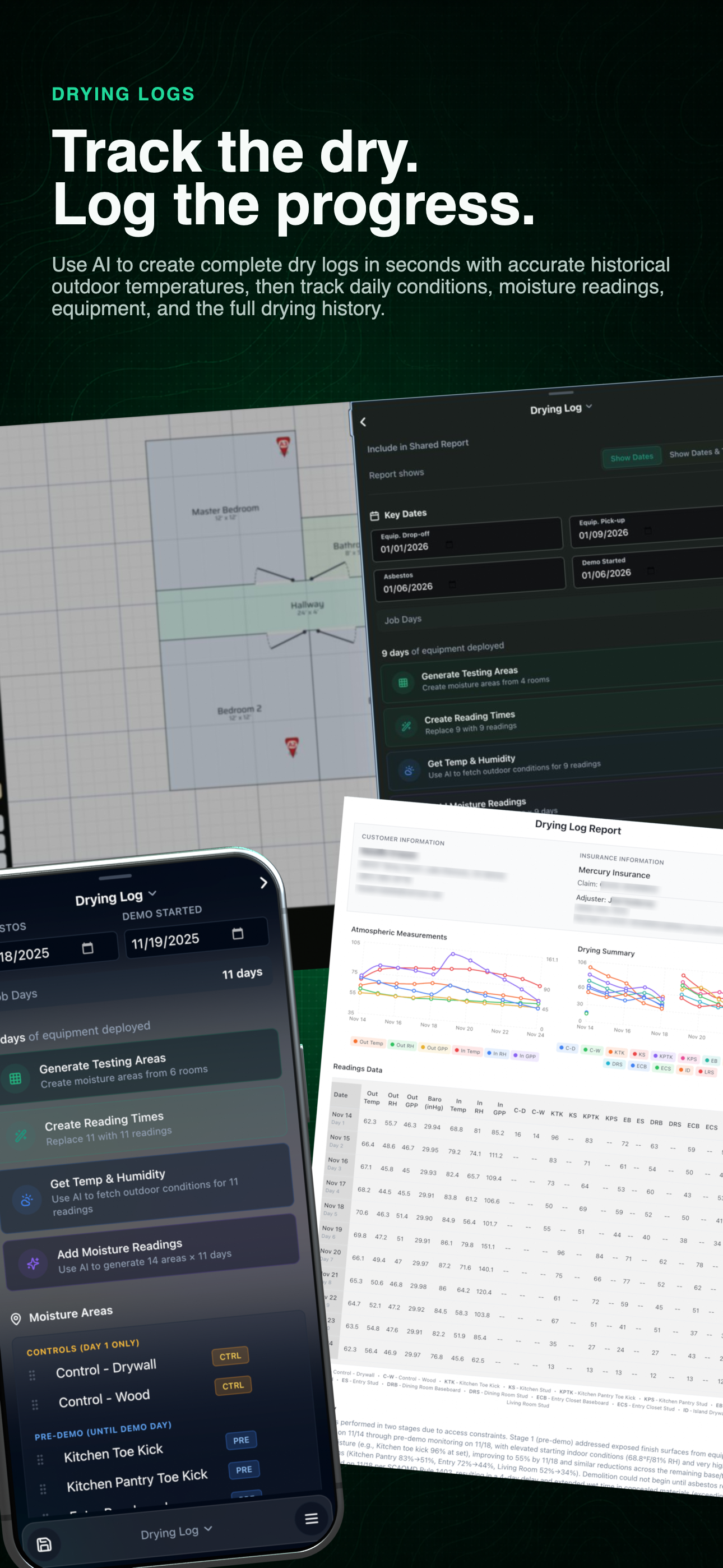
Complete drying-log workflow
See the operating record and resulting progress view together before opening the readings and charts below.
01 / Drying history
Keep each reading in the sequence that gives it meaning.
The record brings field visits, equipment, weather context, and progress charts together so the technician and office can review the same history.
- 01
Record each visit
Keep the time, room, material, environmental readings, and technician observations in sequence.
- 02
Track equipment history
Document the drying equipment and changes that belong to the restoration record.
- 03
Add historical outdoor context
Use the selected outdoor weather history when it helps explain the conditions around the job.
- 04
Draft, review, and chart progress
Use AI assistance to organize a first draft, then have the technician review the notes and resulting trend charts.
Use the left and right arrow keys to change screenshots. On a touch screen, swipe horizontally. Activate a screenshot to open its expanded view.
Keep job dates, moisture areas, equipment duration, and guided reading setup in the same record.
1 / 2
Swipe to view
1 / 2
The software organizes the field record. Technician training, required licensing, field verification, and estimator judgment remain the responsibility of the restoration company.
Let’s walk through a job.
Tell us how you work today. We’ll walk through the calls, fieldwork, and reports that matter to your team.
0130-minute personalized walkthrough
02See pricing for your team size
03No obligations or pressure