Make the field scope a record the estimator can use.
Guide trained technicians through configured room-level work, quantities, photos, readings, and notes, then hand the documented scope to the estimator for review.
- Room-level work items
- Required field evidence
- Estimator-ready handoff
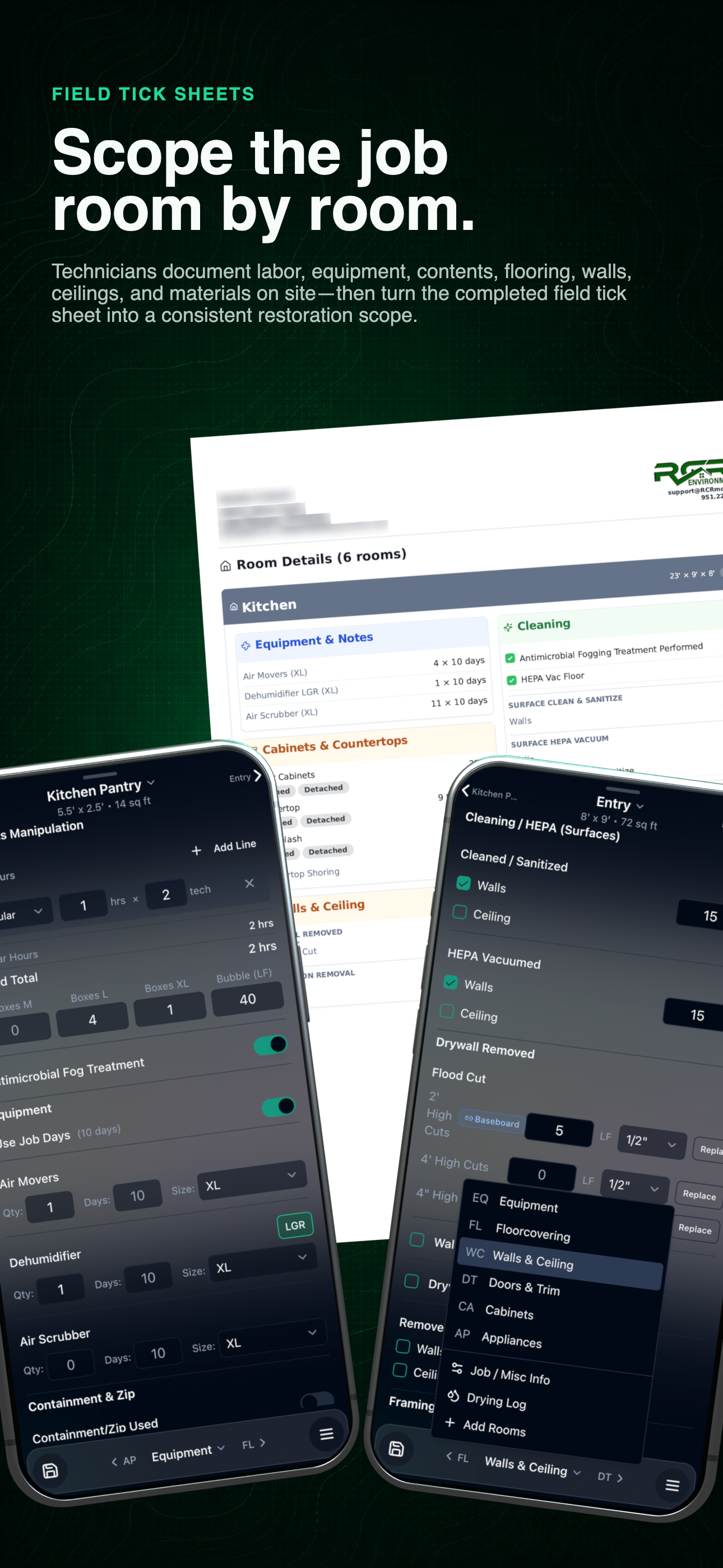
Field-to-estimator workflow
See the configured scope and mobile field record together before opening the detailed work items below.
01 / Documented scope
Put the required field proof beside the work it supports.
The tick sheet organizes the record; it does not replace technician training or estimator judgment. Each role gets the evidence needed for the next decision.
- 01
Configure the room and work item
Define the material, task, quantity, equipment, and other details the job requires.
- 02
Make the evidence visible
Keep required photos, readings, notes, and documentation rules beside the work item.
- 03
Complete it in the field
The assigned technician records what happened instead of relying on memory after leaving the property.
- 04
Hand it to the estimator
Give the estimator the documented field scope for professional review and line-item pricing.
Use the left and right arrow keys to change screenshots. On a touch screen, swipe horizontally. Activate a screenshot to open its expanded view.
Set up each room with dimensions and calculated quantities before work, photos, and readings are recorded.
1 / 1
Swipe to view
1 / 1
The software organizes the field record. Technician training, required licensing, field verification, and estimator judgment remain the responsibility of the restoration company.
Let’s walk through a job.
Tell us how you work today. We’ll walk through the calls, fieldwork, and reports that matter to your team.
0130-minute personalized walkthrough
02See pricing for your team size
03No obligations or pressure