Native call screen
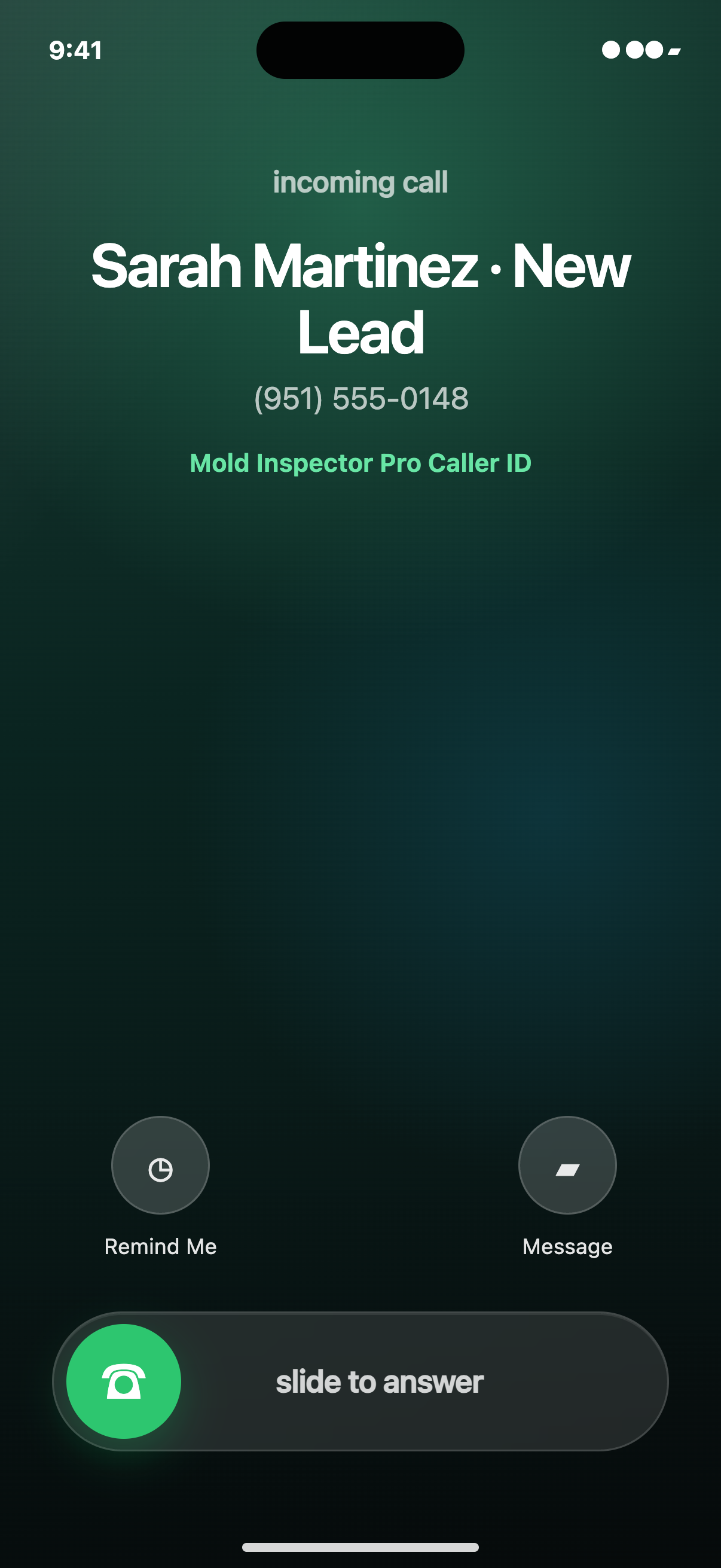
The synced directory label, telephone number, and Apple’s normal locked-iPhone slide-to-answer controls.
Immediate push alerts can reach your phone even when the app is closed. Incoming calls, new leads, client messages, approvals, payments, field activity, and lab events stay connected to the record your team needs next.
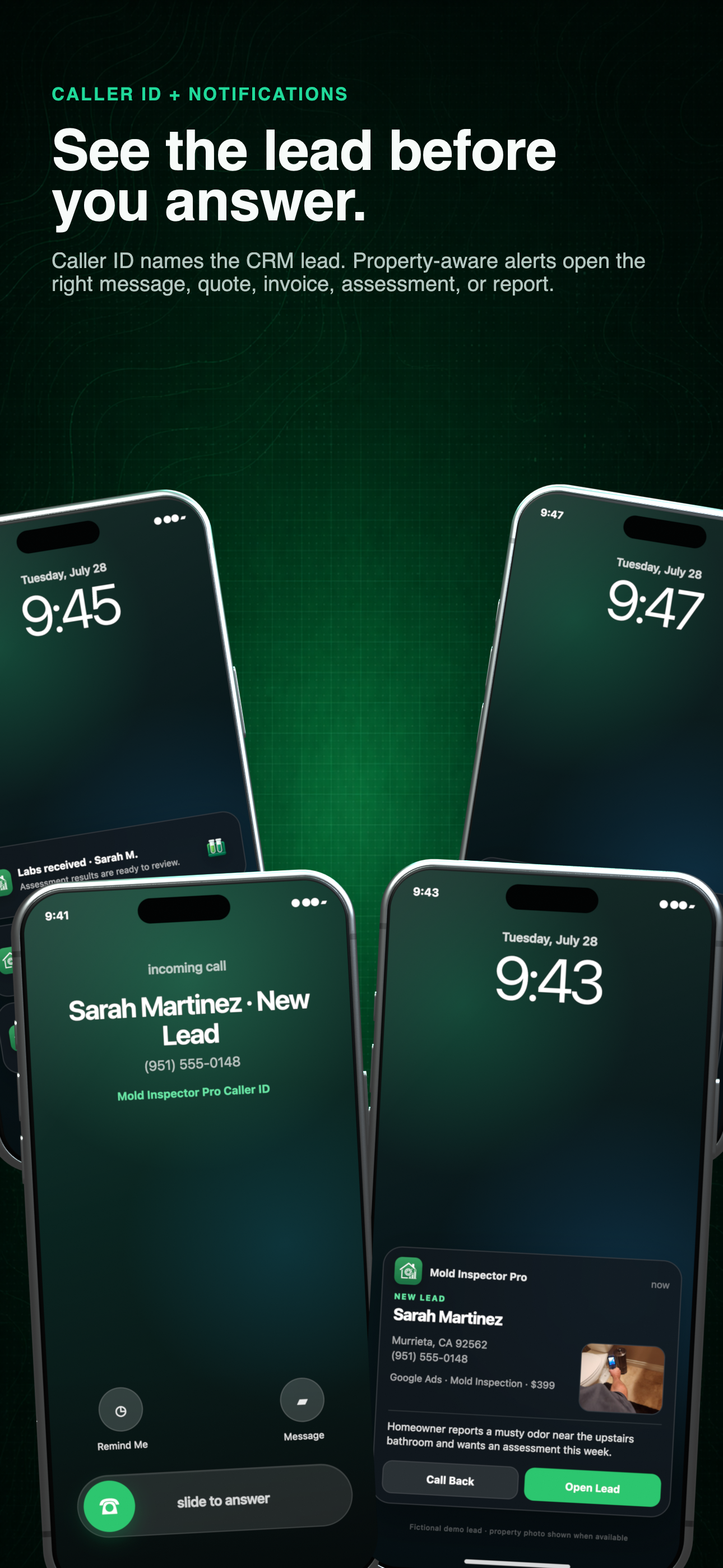
Caller ID + actionable alerts
The native call screen stays concise. Expanded alerts carry the property, event, and action that move the work forward.
01 / Identify, then act
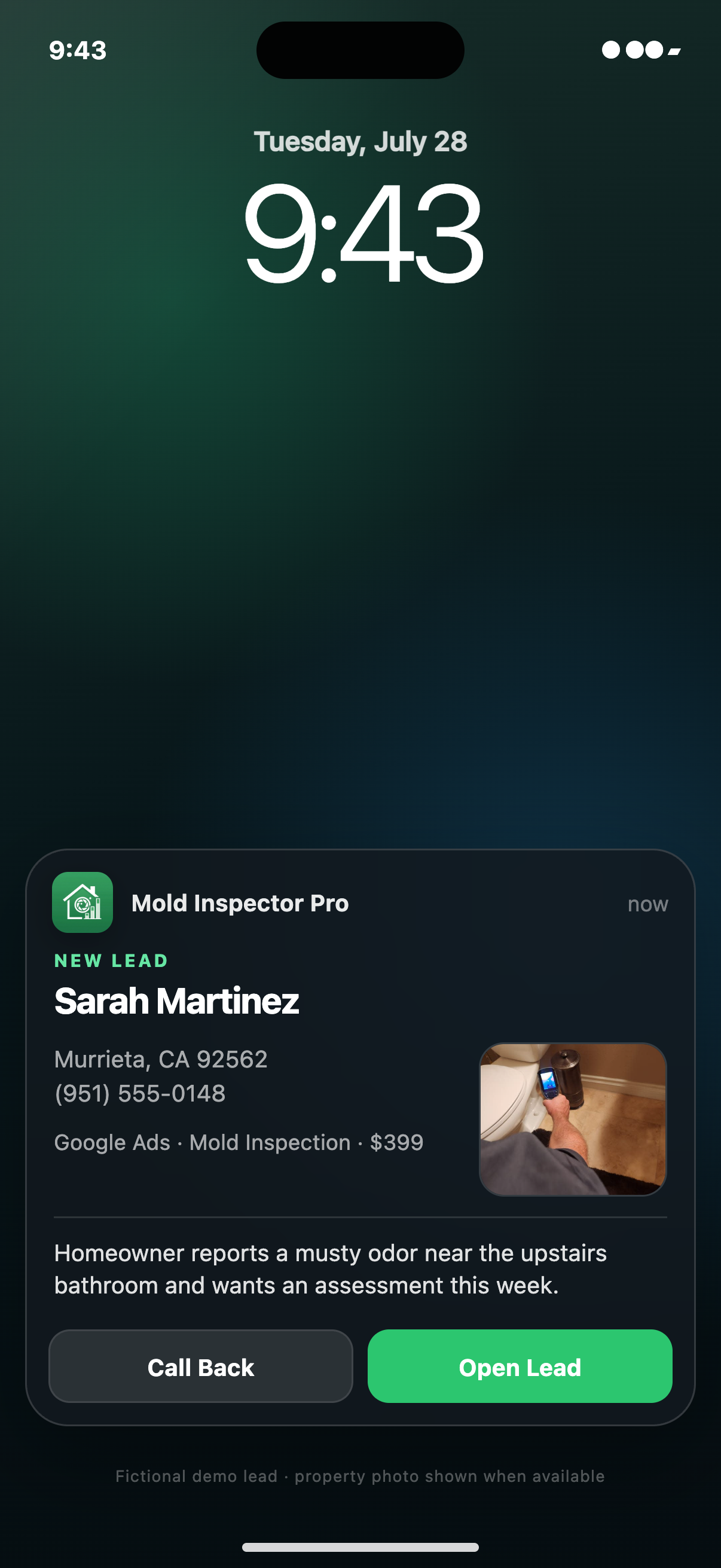
On a supported iPhone, the local Mold Inspector caller directory can add a concise lead label to the native Phone screen. The related alert carries the property image, source, summary, and actions without pretending that Apple’s dialer is a full CRM card.
Native call screen
The synced directory label, telephone number, and Apple’s normal locked-iPhone slide-to-answer controls.
Expanded alert
Property-first artwork and the appropriate lead, SMS, quote, invoice, assessment, or report destination.
02 / Across the workflow
Mold Inspector surfaces the moments that change what your team should do next—not just a generic “something happened” message. Calls, leads, conversations, client decisions, payments, field activity, lab intake, and reputation events remain connected to their records.
These are phone push notifications—not an inbox you only see after reopening the app. Once device permission is enabled, supported alerts can arrive immediately while the app is closed or in the background.
See who is reaching out, where the lead came from, and open the caller or conversation before the opportunity goes cold.
Return to the matching conversation with the client record and related work already connected.
Know when a client starts reviewing the proposal and when the decision is complete.
Track attention and money movement without repeatedly checking each invoice.
Keep the office and assigned team ahead of scheduled work while maintaining an arrival and departure trail.
Move successful intake forward and surface exceptions that need a person to resolve.
Verify a review or respond privately to a poor experience before it becomes a public problem.
03 / From signal to action
The value is the context carried with the event. Instead of opening a dashboard and searching, the team can move from the notification into the record that created it.

04 / Open the work
Connected messaging
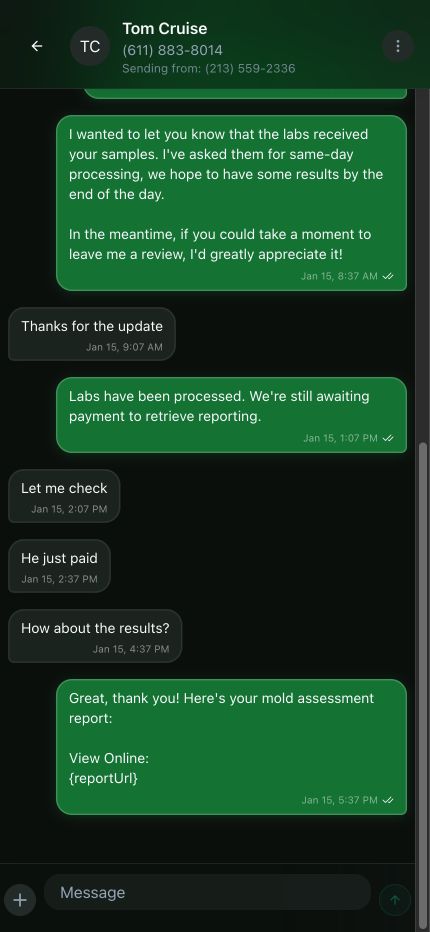
Quote approvals and invoice payments appear inside the client conversation, so the document, decision, and next message remain connected.
One connected record
Conversation → client decision → document → payment status
05 / Android overlays
With Android’s user-approved display-over-other-apps access, Mold Inspector can keep a detailed CRM alert visible while the native dialer is ringing. The newest event stays expanded while earlier messages, leads, missed calls, and approvals collapse into a compact stack.
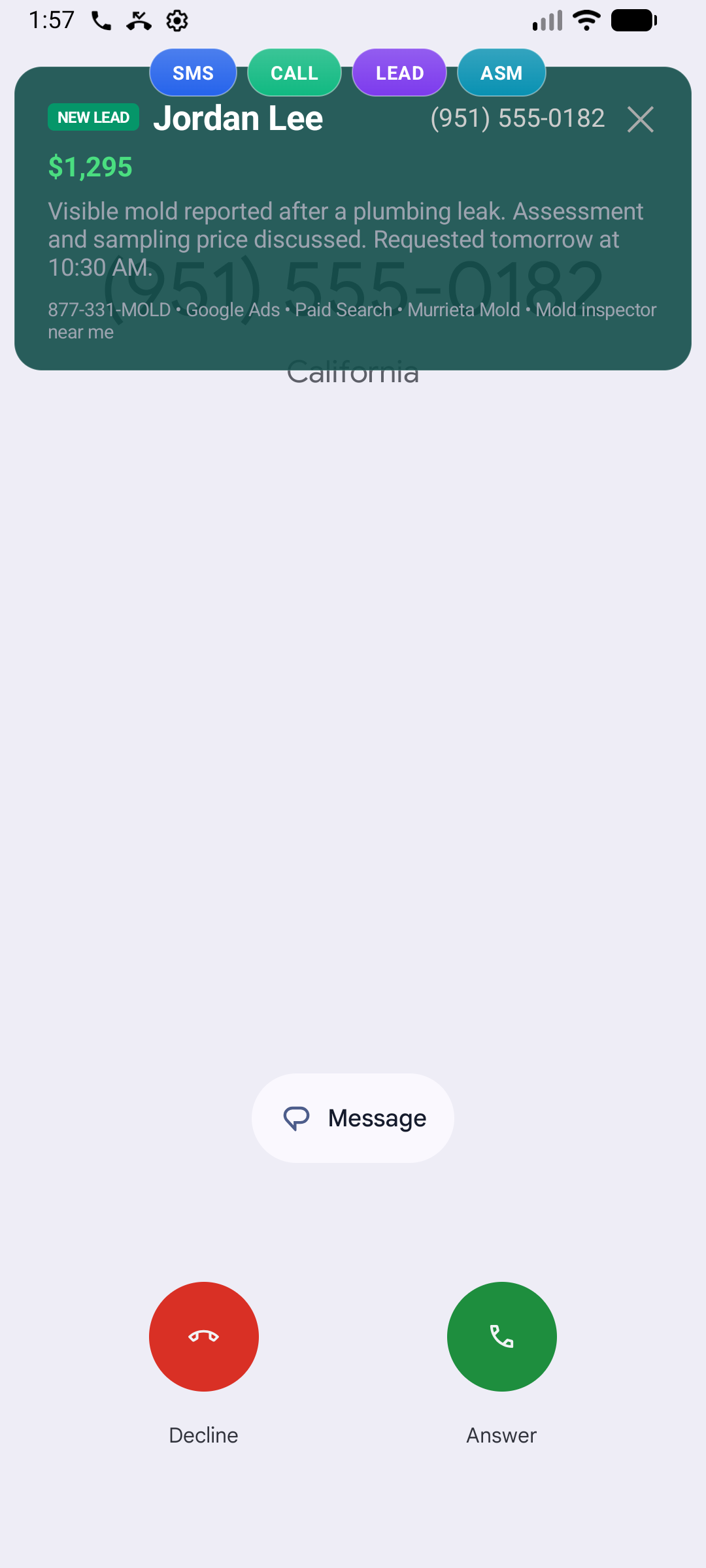
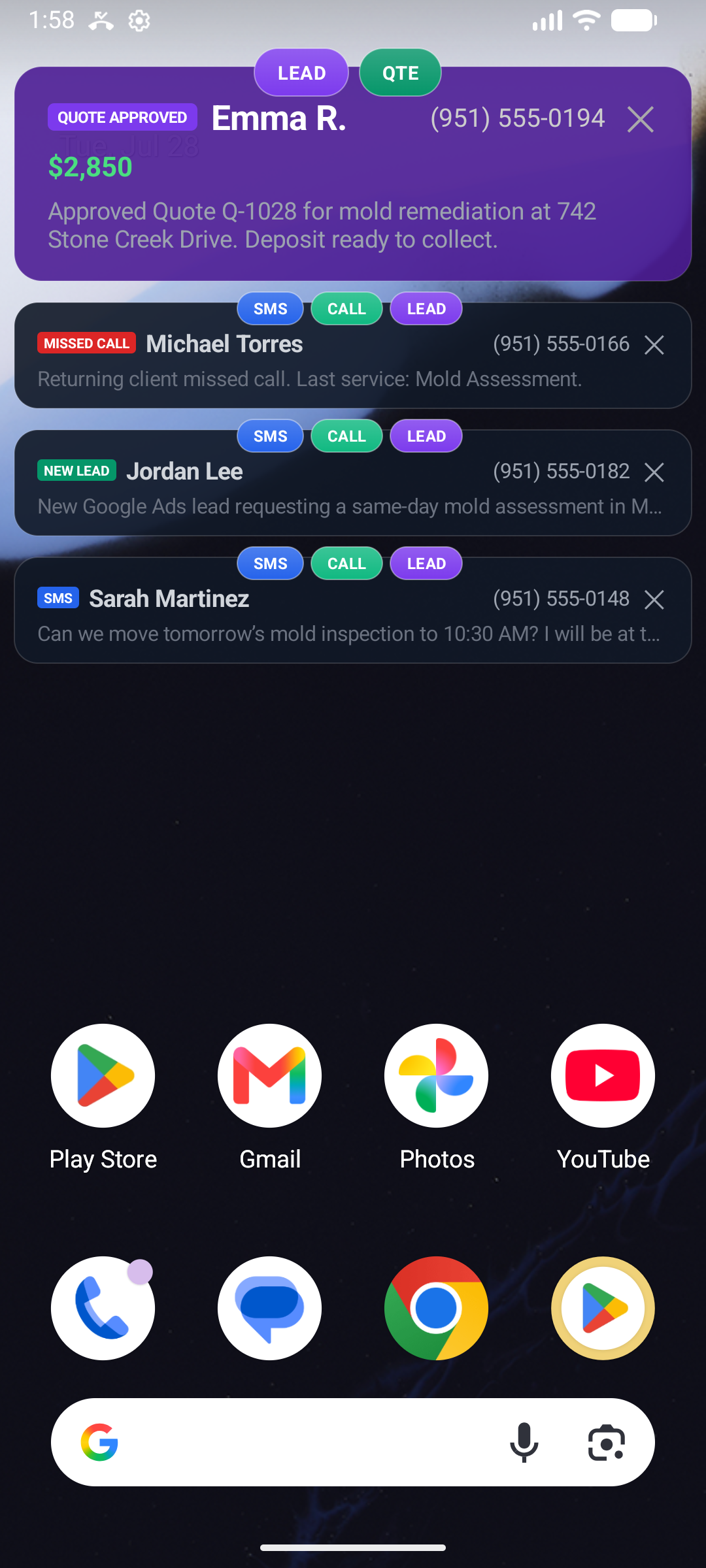
Captured from the Android app in an emulator. Overlay presentation depends on the employee enabling Android’s display-over-other-apps setting for Mold Inspector Pro.
06 / Visual language
When a usable property or inspection image exists, the alert can show it. Otherwise, category artwork keeps calls, messages, quotes, invoices, assessments, reports, lab receipts, and exceptions recognizable in the notification tray.
iOS retains the Mold Inspector app icon and can attach the property or category artwork. Android uses a clean monochrome status icon plus the richer image where the notification surface supports it.
Call
Text / SMS
New lead
Quote
Invoice
Assessment / report
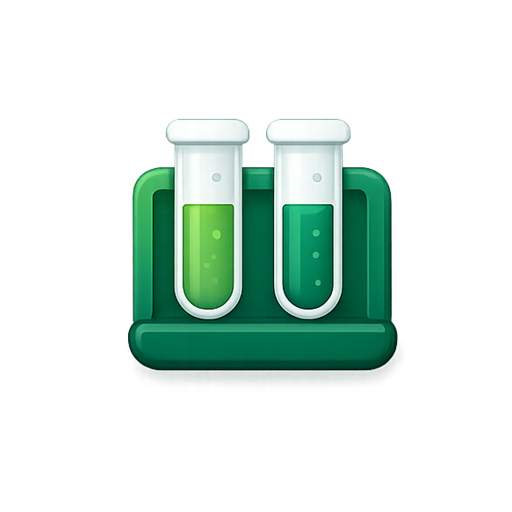
Labs received
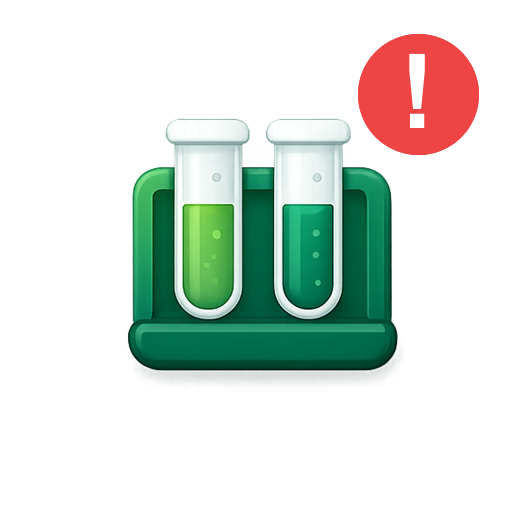
Needs attention
07 / Delivery controls
Delivery is shaped by the user’s preferences, registered device, client assignment, and financial permissions. The alert stays useful without treating every employee or every event the same.
Tell us how you work today. We’ll walk through the calls, fieldwork, and reports that matter to your team.
0130-minute personalized walkthrough
02See pricing for your team size
03No obligations or pressure